Pictures as data
This post is an introduction to manipulating and transforming image files.
Summary
An image can be thought of as a 2D matrix of (x, y) points. Each entry in this matrix contains a color value, which itself is a triplet of values representing (Red, Green, Blue) color intensity. Color intensity is represented with a value from 0 to 255, where (0, 0, 0) is black, and (255, 255, 255) is white. If you’re reading closely, this does imply a limit on the number of colors1 that a pixel can represent: 2563 = 16,777,216.
There are multiple ways of representing color beyond RGB, but they all contain the same information; perfect transformations exist from one representation to another. HSL (hue, saturation, lightness) and HSV (hue, saturation, value) are alternative color spaces.
This post will work entirely in RGB color space. By the end of it, you’ll see that with some extremely simple transformations, one can achieve effects like finding and replacing colors, darkening photos, lightening them, and turning them grayscale. You’ll hopefully have even built some intuition for defining your own transformations.
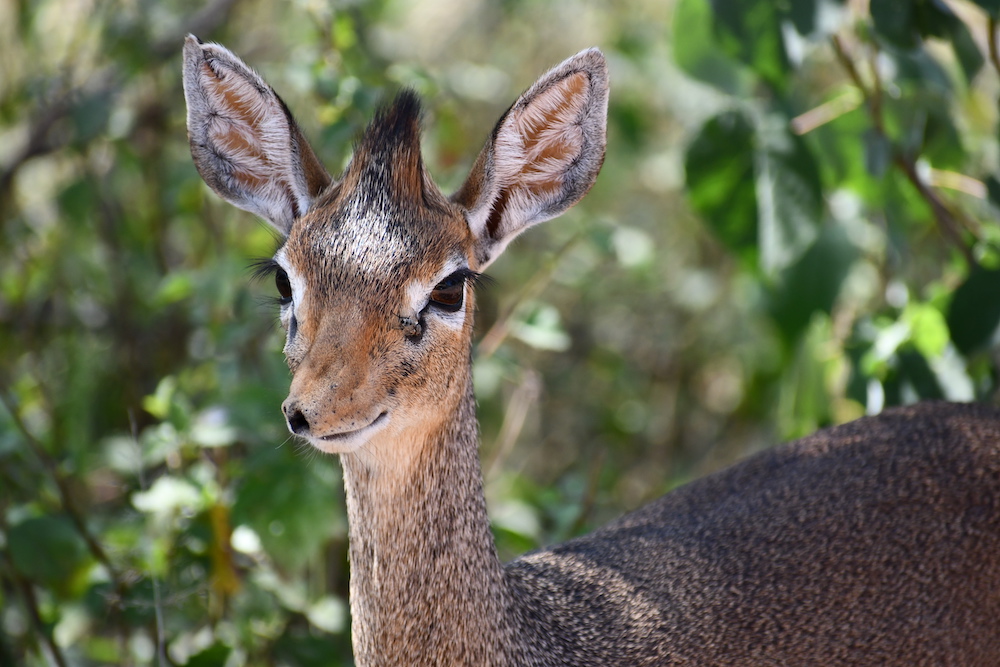
We’ll be using the below reference image as our example. It was taken in Tanzania in the summer of 2019 and captures a dik-dik, which is a type of adorable antelope.
Grayscale
Gray is represented by equal R, G, and B values. Remember — white is (255, 255, 255), and black is (0, 0, 0),
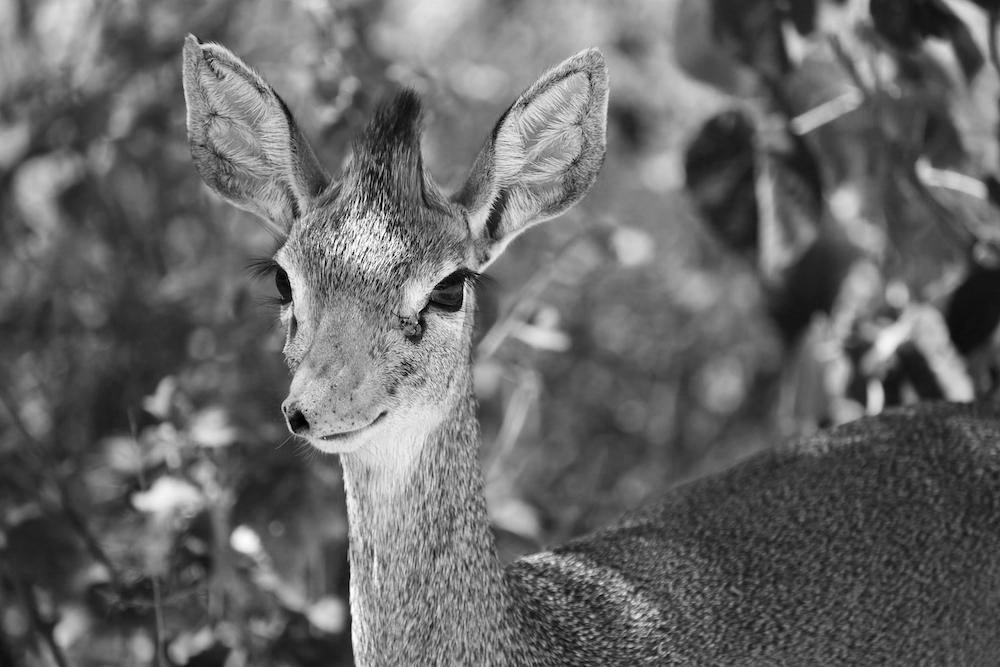
It turns out that there are several natural ways to convert an image from color to grayscale. One can pick a shade intensity from among the color’s R, G, B values and set all color components equal to that value, e.g., (251, 12, 84) → (251, 251, 251). Similarly, one can set all color values equal to the max, min, average, or median. Here’s a version of our image in where all color values are set to R’s value.
Light and dark
Given that white is represented by (255, 255, 255) and that black is represented by (0, 0, 0), it stands to reason that by increasing all color intensities, one can lighten an image. Similarly, by decreasing all color intensities, one can darken an image. The below images offer confirmation, which respectively divide all color values by 2 and multiply all color values by 2.
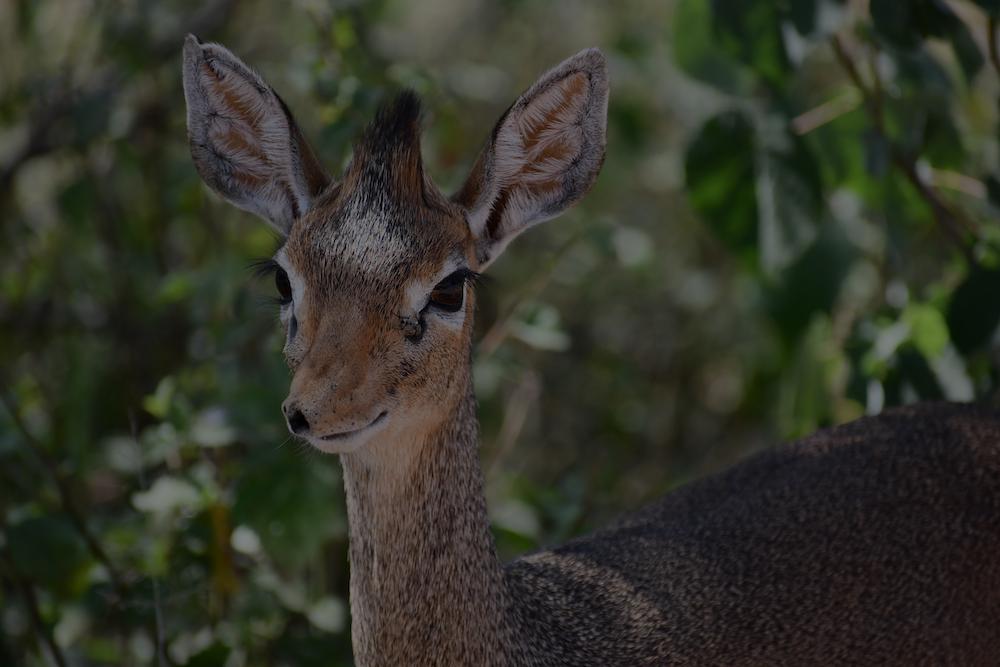
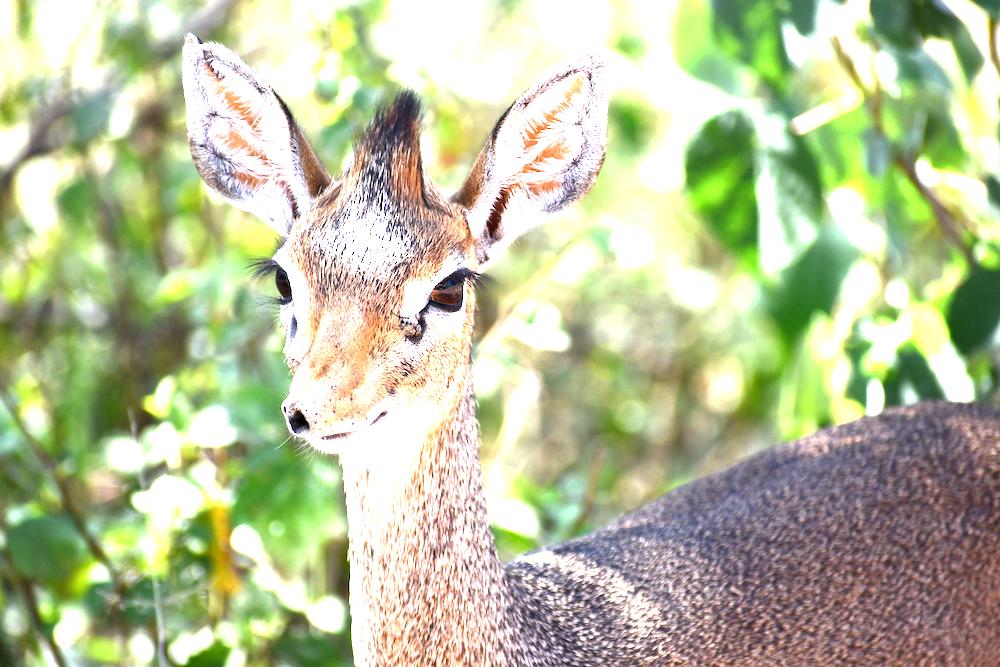
Note that the darker image appears to preserve more detail and information about our original image. Why is that? By dividing by 2, we map two color intensities that are direct neighbors into the same color value; both 101 and 100 map to 50 (due to rounding down). However, when we lighten our images by multiplying by 2, all color values from 128 and above map into 255, which represents a more visually obvious loss of information.
Fade out
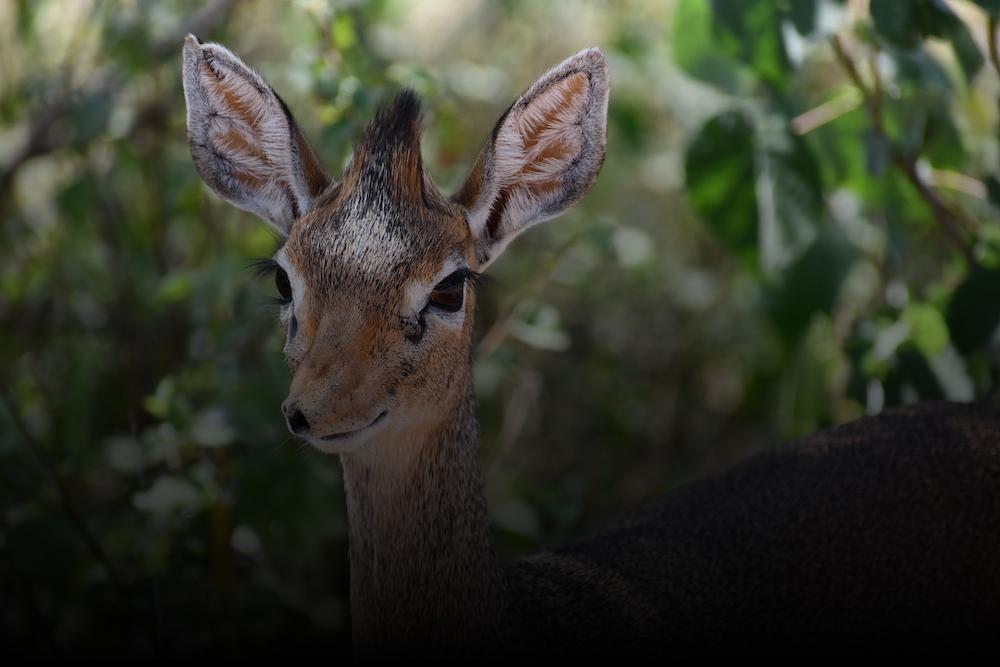
By multiplying each RGB color value by , where y is its position on the y-axis, one can achieve a fadeout effect:
Swapping RGB
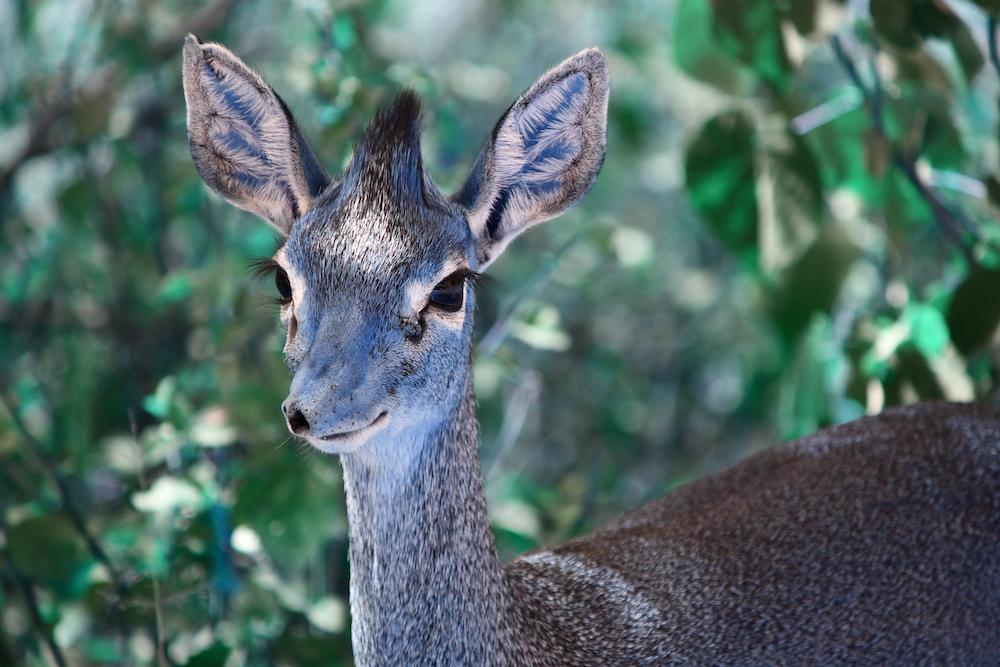
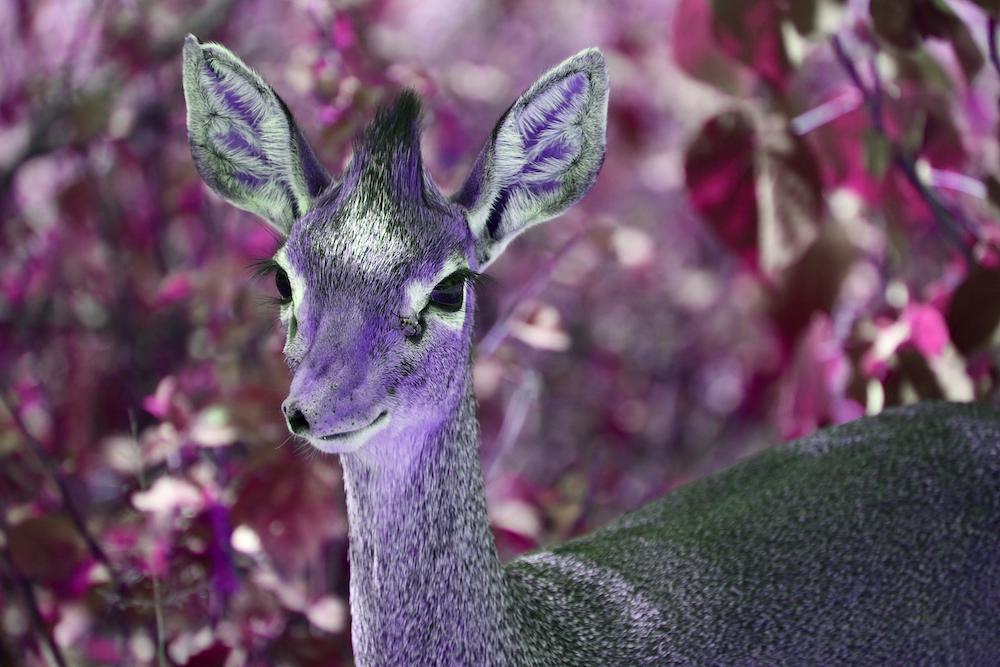
Here, we swap RGB values. In the first image, we take RGB → BGR. In the second image, we take RGB → GBR.
Shifting RGB
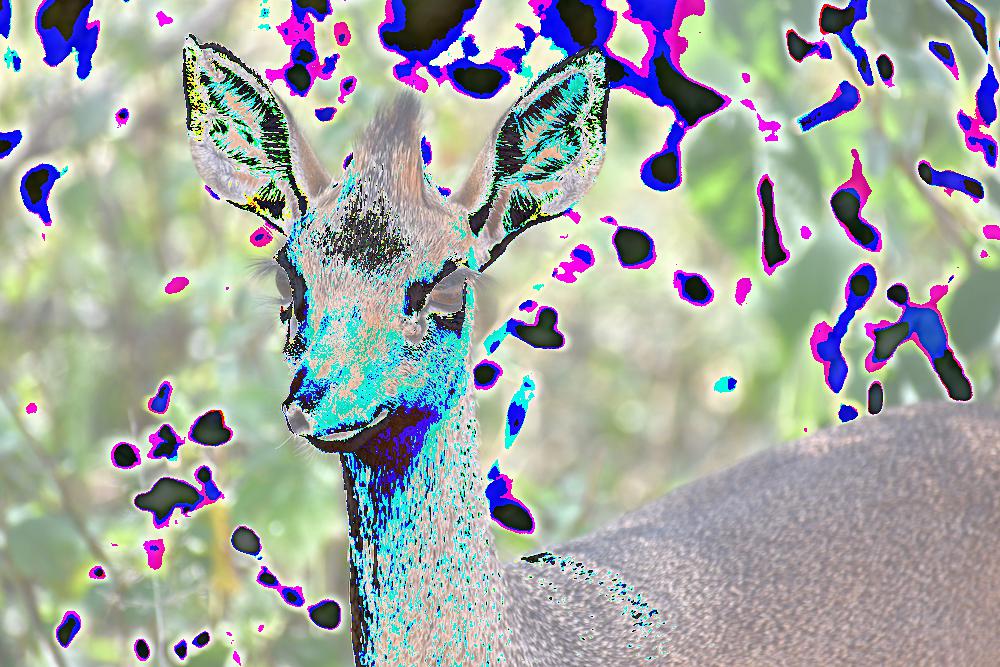
The below image adds 100 to all RGB values, ensuring that no value exceeds 255.
Wrapping values
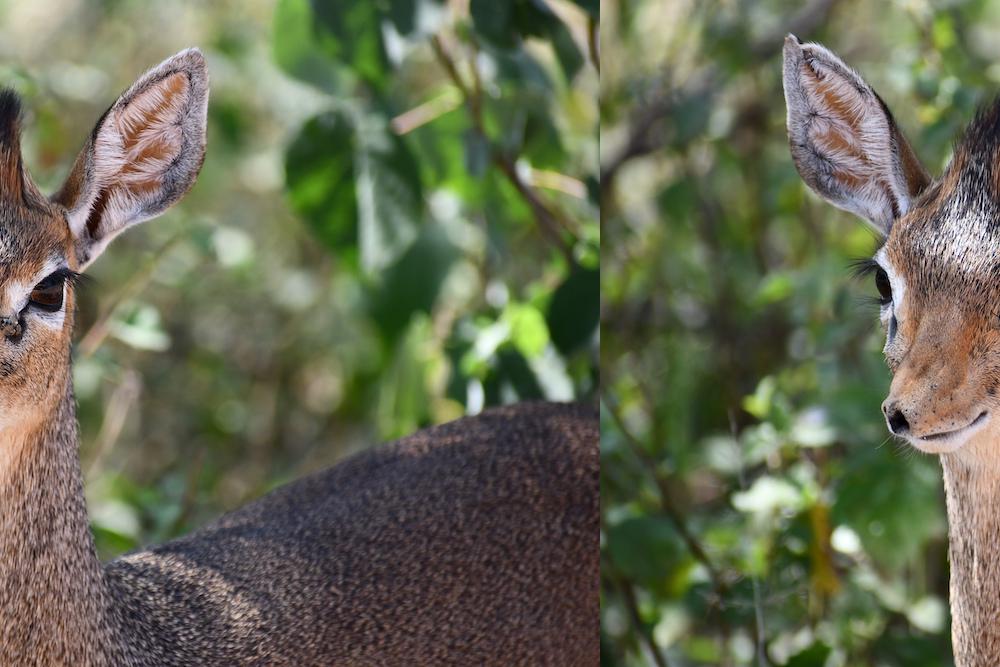
The below image takes each pixel’s X value, adds 400, and takes the modulus by the image’s width.
Noise
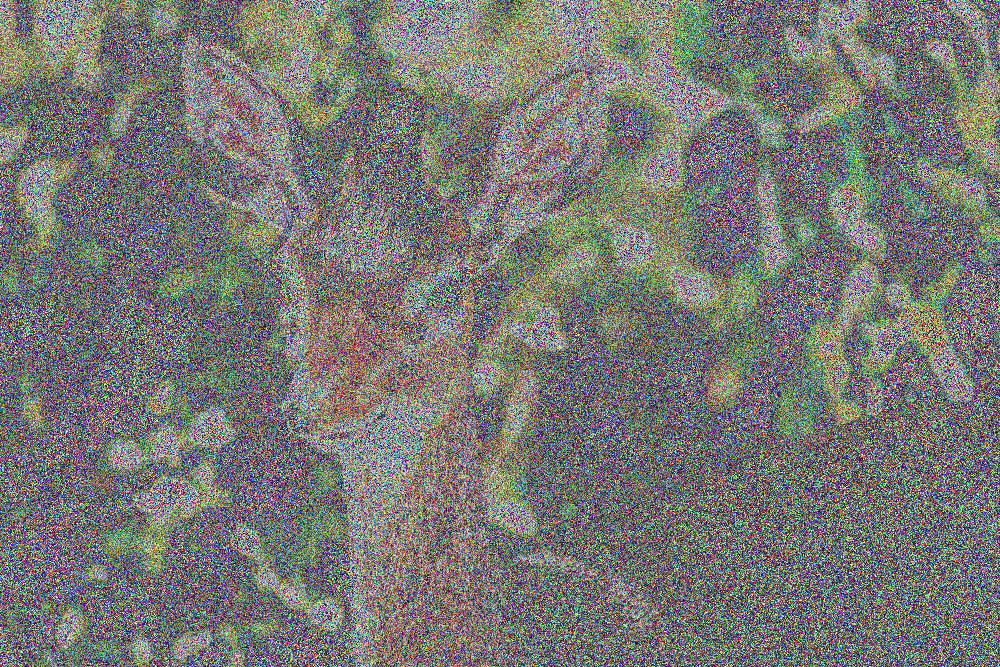
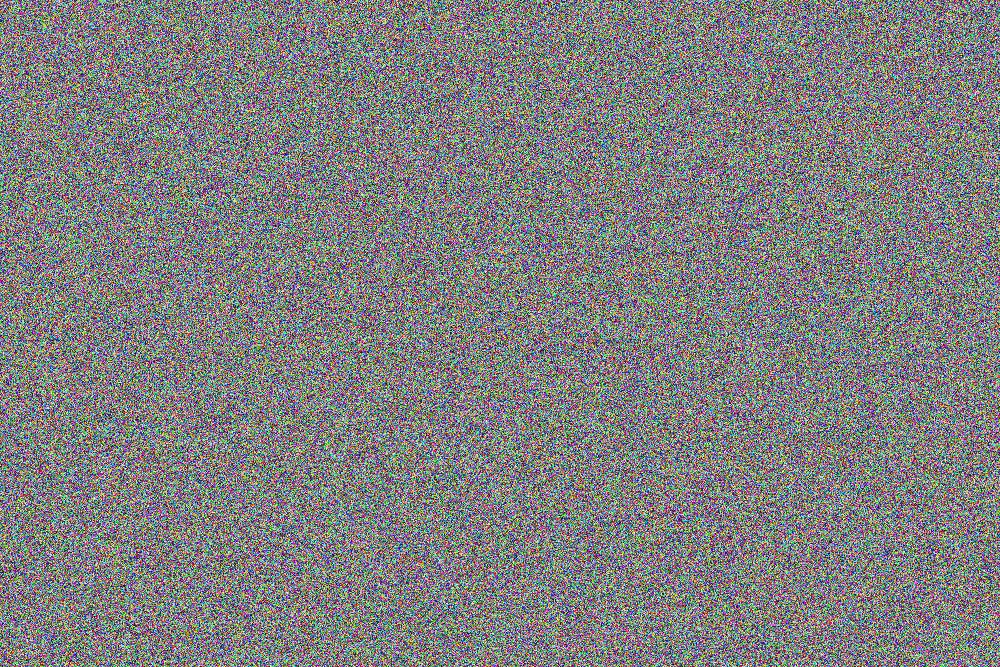
The below image takes each pixel’s RGB value and adds a random integer from [-200, 200], ensuring that the value is always nonnegative and never exceeds 255. For comparison, the image below it has been generated entirely by choosing random RGB values from [0, 255].
Blur
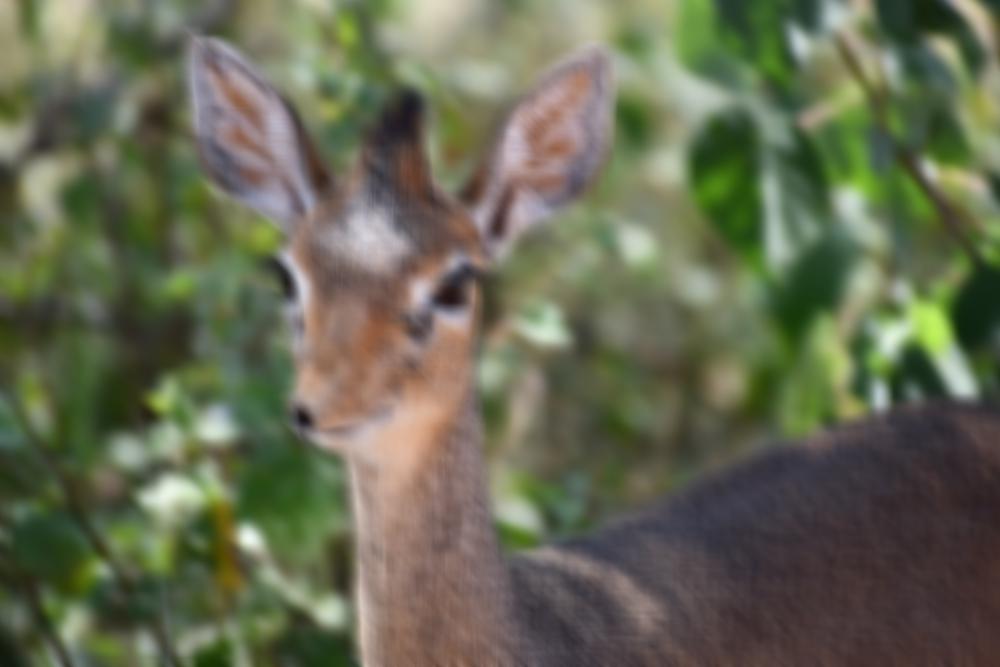
By setting all R values equal to the average of all R values within a 10 pixel X or Y distance, and by doing the same for B and G, one can create a blur effect.
Pixelate
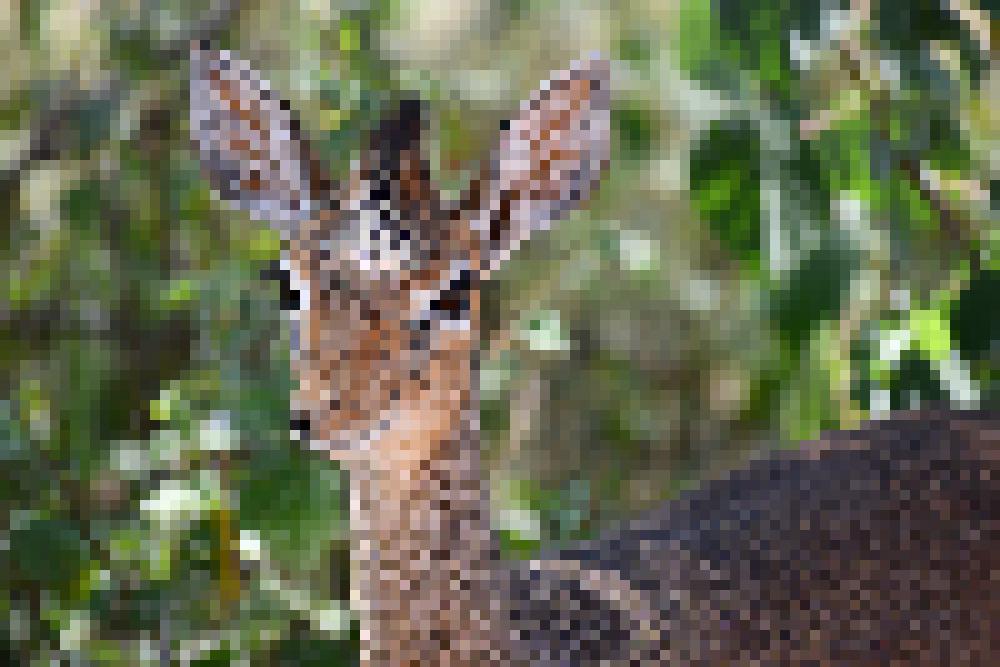
The below image takes every 5th pixel and represents all surrounding pixels by its color value.
Cool, so what’s the point?
Hopefully by now, you’ve been able to build some intuition for how to manipulate images using simple color transformations. With this understanding, you may be able to apply fancier techniques that you may have until now reserved for other domains.
How would you predict the next pixel in a sequence of pixels? How would you find the dominant color in an image? How might you compress an image file? How would you be modify an image with an imperceptible watermark? How would you train a model to reliably identify cats in your images?
If you want to get started messing around on your own, I highly recommend checking out Python’s Pillow library, which was used to generate all of the above images.